
Android field app
The field day, in your pocket.
Technicians and station officers run routes, inspections, and defects on Android phone and tablet — with offline map packs when coverage drops.
The same hydrant register the desk uses — claimed routes, evidence, and defects write back so ops don’t reconcile two systems at end of shift.
Android today. iOS is not available yet.
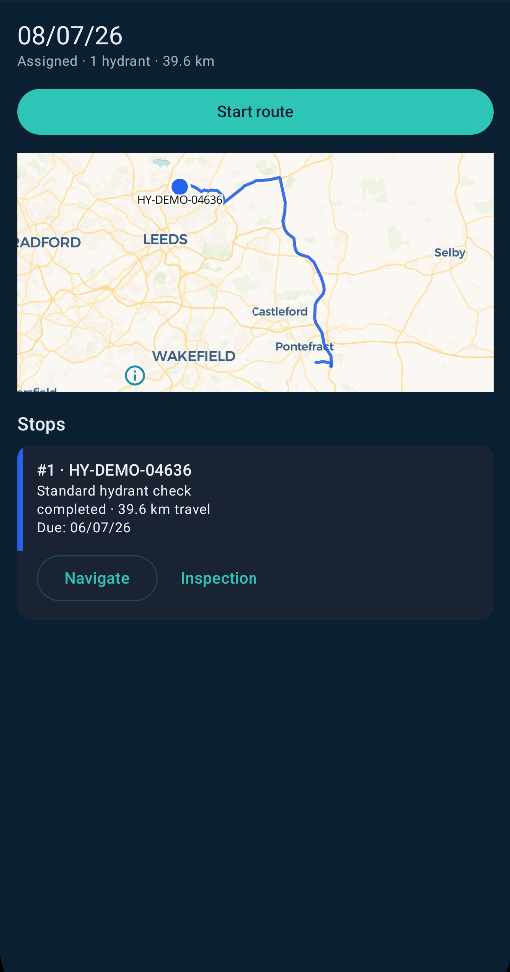
A field day with Hydreon
From claiming the day’s work to syncing evidence — designed for appliance bays, rural signal gaps, and officers who also step out of the office.
- 01
Claim the route
Self-assign or take a team route. Start from GPS when you’re on the ground so the day begins where you actually are — not from a desk pin.
- 02
Navigate the stops
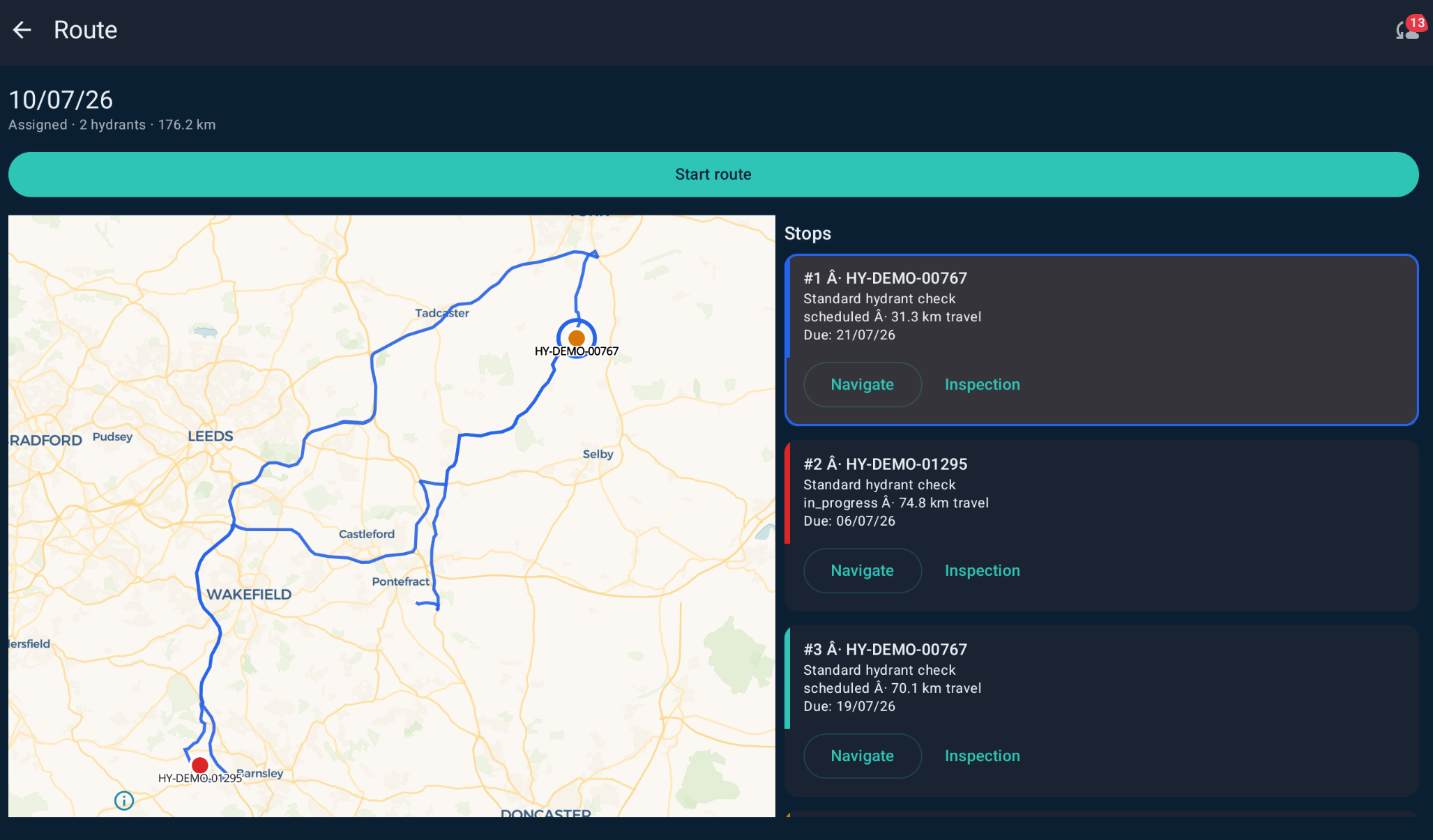
Inspection, remediation, and flow-test stops ordered for the road network — not a straight line on a map. Reorder if the day changes; the desk still sees the plan.
- 03
Inspect & remediate
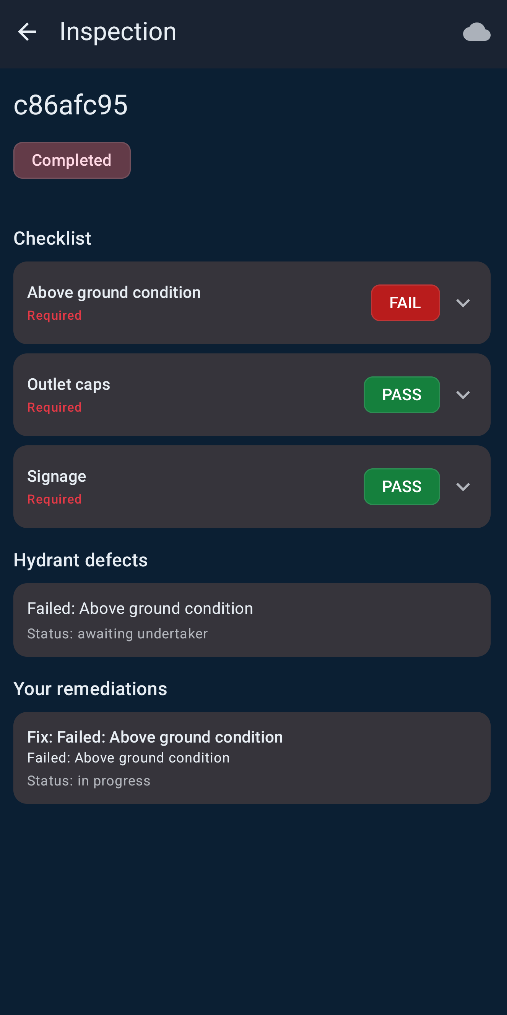
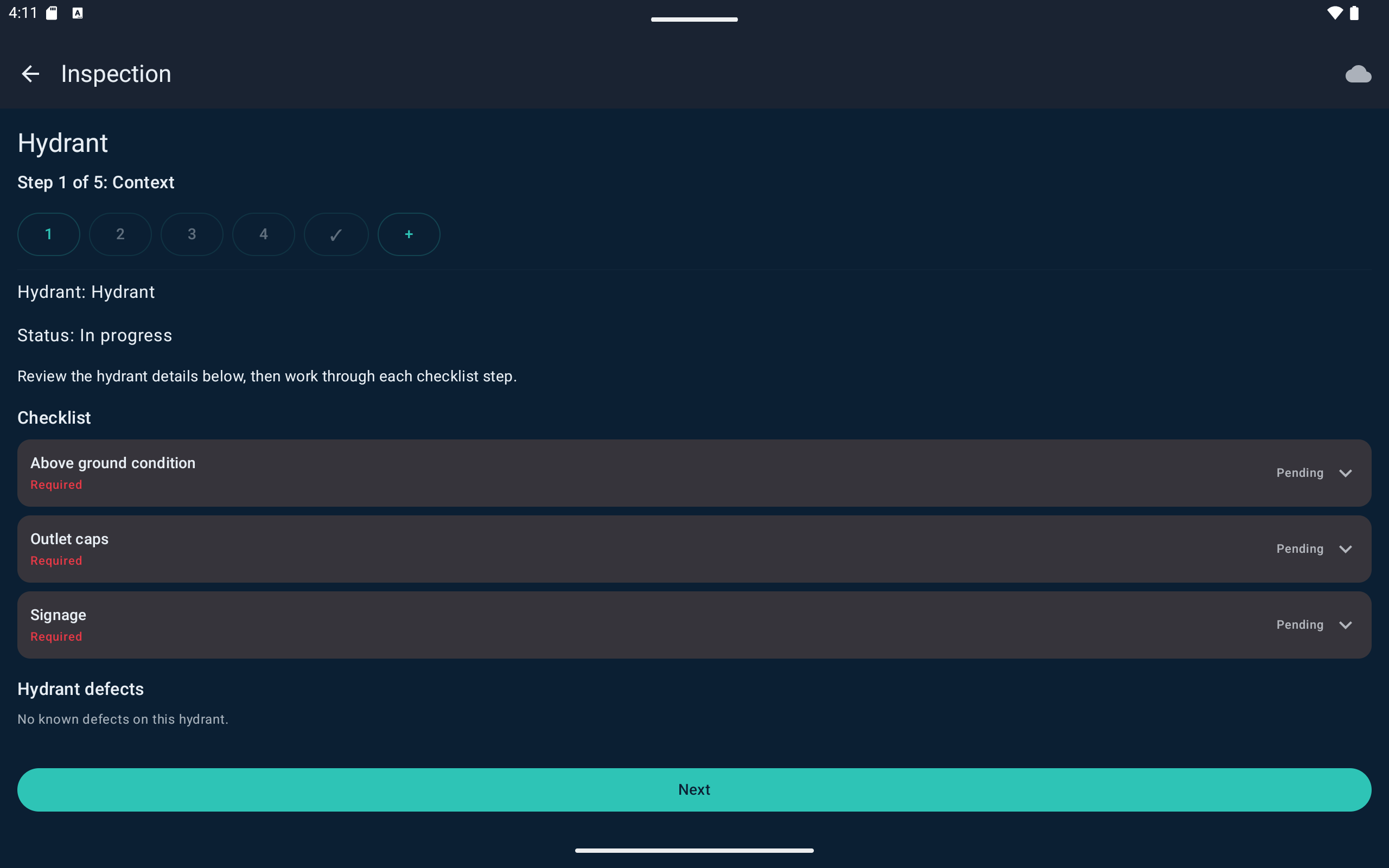
Checklists, photo evidence, defects and remediations captured at the hydrant. Evidence attaches to the asset so compliance doesn’t wait for paperwork back at station.
- 04
Sync when you’re back
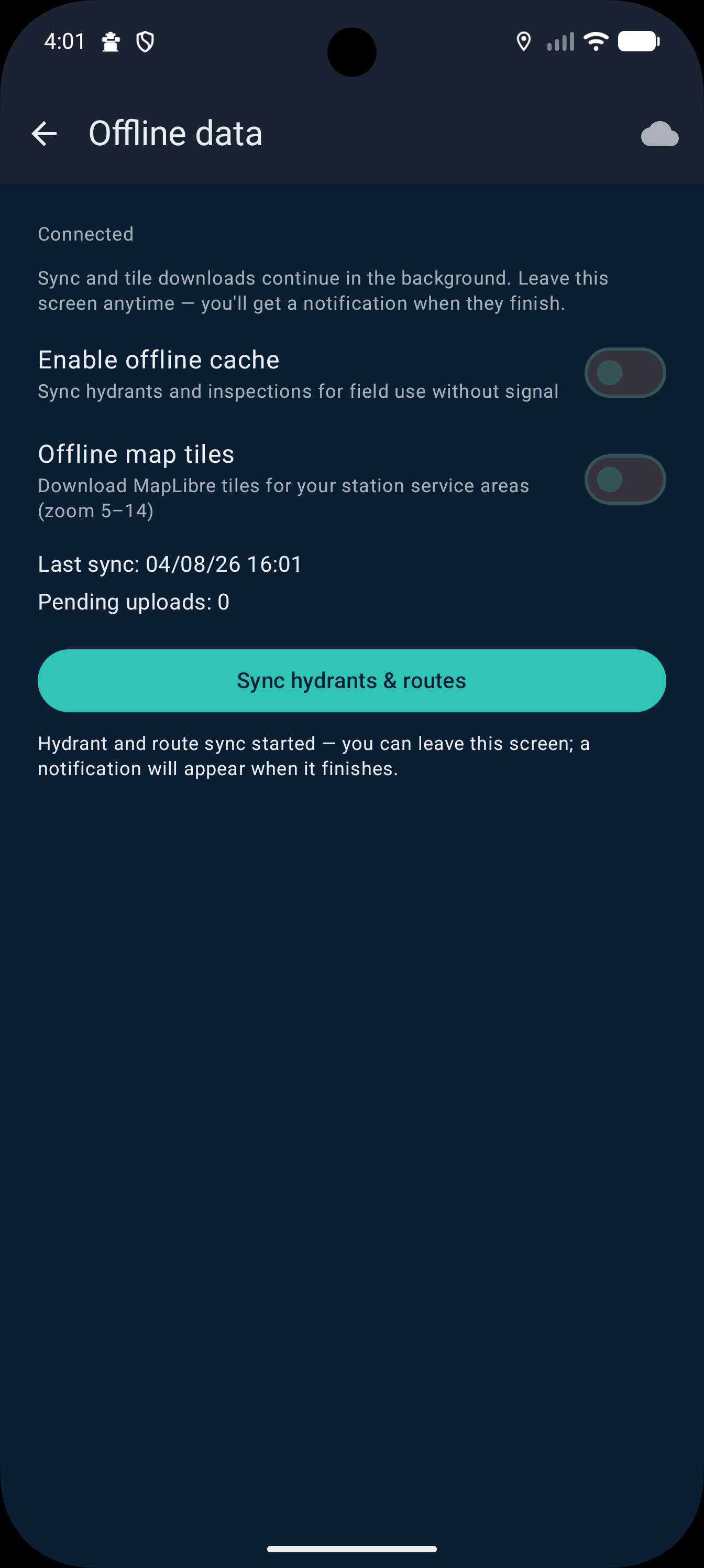
Offline map packs keep you working without signal; sync when connectivity returns so desk and partner views catch up without re-entry.
Phone
Compact workflow for technicians on the move — claim, navigate, capture, and sync without leaving the stop.
Tablet
Larger field screens for map-led work — same Android app, more room for routes, assets, and checklists when you’re planning or reviewing on the ground.
Put Hydreon in the appliance bay.
We’ll show the Android phone and tablet workflow alongside desk planning in a short demo — including offline packs and how evidence lands back on the register.